
apowerb-hosting stack: Postgres, the
API and the interface, wired together by a single docker compose up.
1. Clone the hosting repository
One repository, not three: the compose file pulls published images from Docker Hub, pinned to a pair that was tested together. Nothing is built locally.2. Generate secrets and start
Ports 3000 and 8000 must be free. If something else already listens on
3000, Postgres and the API come up and the interface alone fails, on
The addresses below shift accordingly. Postgres publishes no host port at
all, so it never collides.
Bind for 0.0.0.0:3000 failed: port is already allocated — a partial stack
that looks like a broken install. Pick other ports on the command itself,
without touching .env; Compose lets a shell variable win over the
--env-file:generate-secrets.sh fills DB_PASSWORD, ENCRYPT_KEY and the service tokens
with random values. It never overwrites a value that is already set — see
Secrets for why that matters.
There is nothing else to fill in. The database runs inside the stack, and
every credential the template ships is empty on purpose — a value committed to a
public repository is not a secret. What you do not get for free is a model: add
your own key from the interface, or declare a shared one in .env
(DEFAULT_LLM_MODEL and DEFAULT_LLM_API_KEY). Until then the stack runs and
the model simply does not appear in the list.
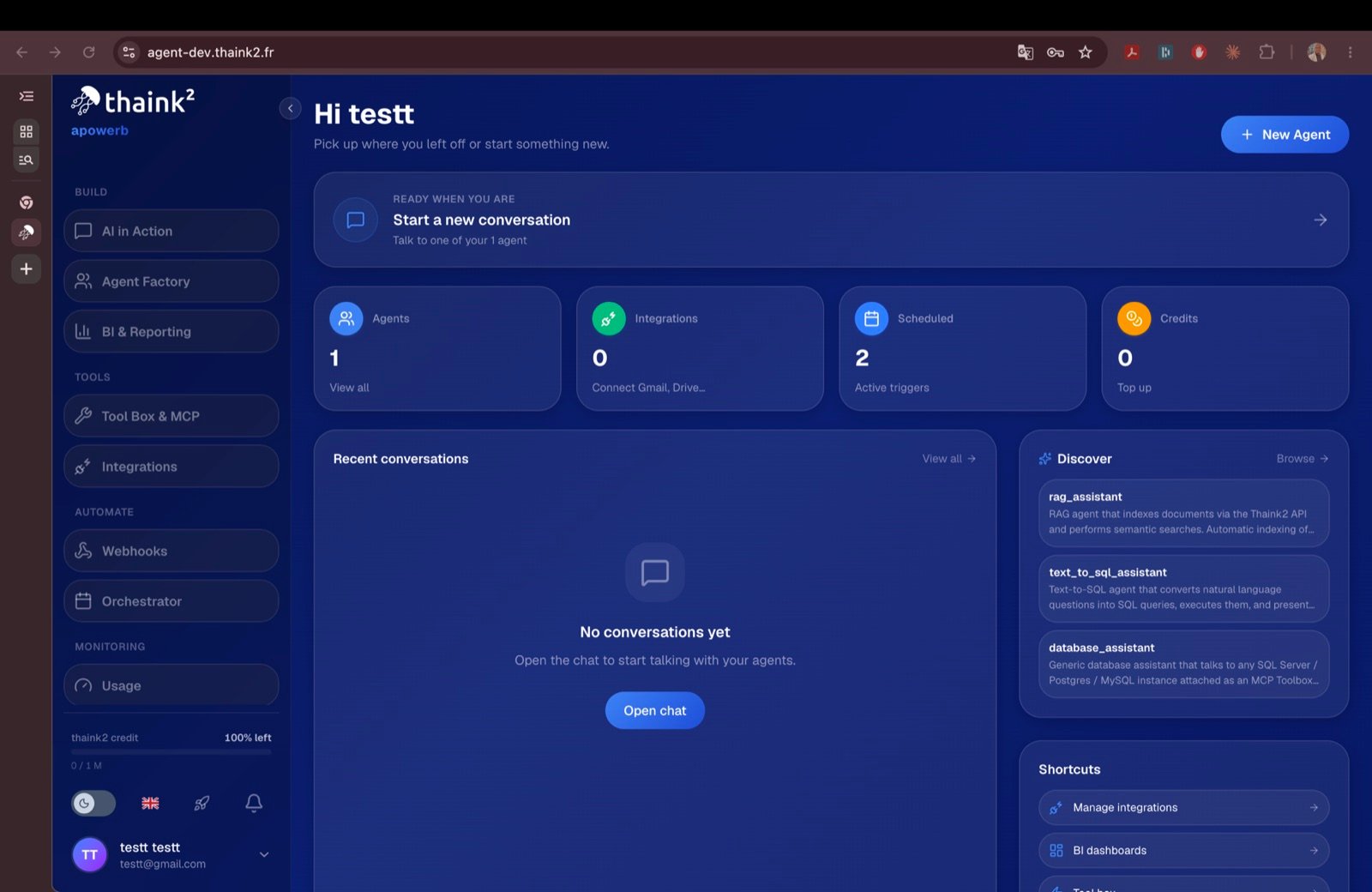
The dashboard once the stack is up: agents, integrations, schedules and the shared-model credit.
3. Check it is up
.env. Postgres stays on the internal Docker network and
is not published.
4. Create your first agent
Authenticate, then create an agent through the API:Other ways to deploy
The Compose path above is the one tested end to end, and the shortest. Three others live in the same repository:- Helm chart, published on Docker Hub as an OCI artifact.
- Kubernetes, preparing the cluster the chart installs into.
- Traefik overlay, for a single VM behind HTTPS.