
This is not how users sign in. Signing in with an identity provider belongs to a
commercial edition and is absent from the open-source build, which authenticates with
email and password. See Editions.
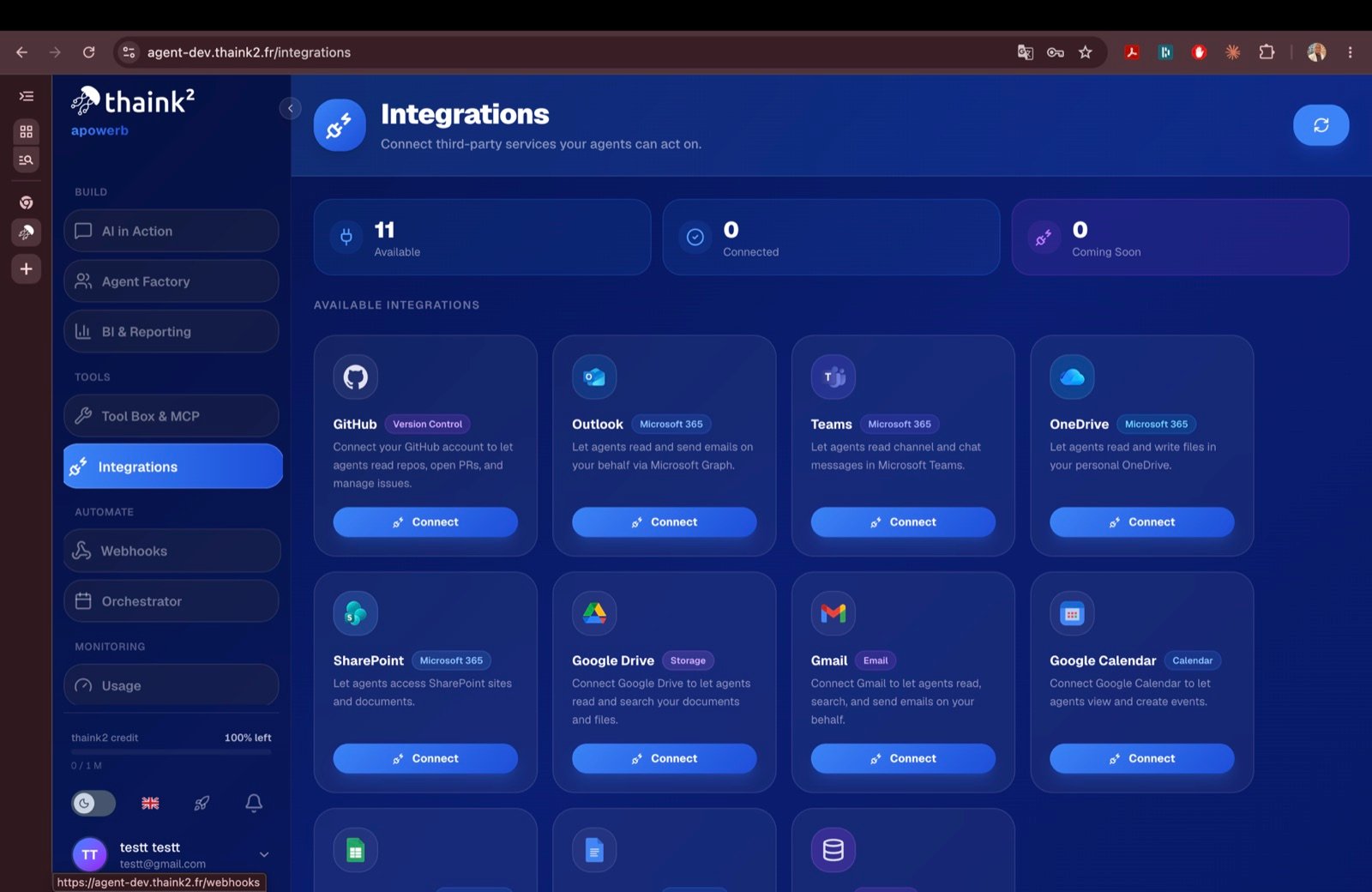
The integrations screen — eleven services, none connected yet.
Connecting a workspace integration
1
Get the authorisation URL
GET /api/integrations/{provider}/{service}/connect2
User consents
On the provider’s consent screen.
3
Provider redirects back
POST /api/integrations/{provider}/callback4
Tokens are stored encrypted
In the
integrations table, encrypted with ENCRYPT_KEY.Supported services
Eleven services can be connected.
Scopes are requested per service —
gmail.readonly, drive.readonly, Mail.Read,
Files.ReadWrite, repo, and so on — so an agent only ever receives what its service
needs.